
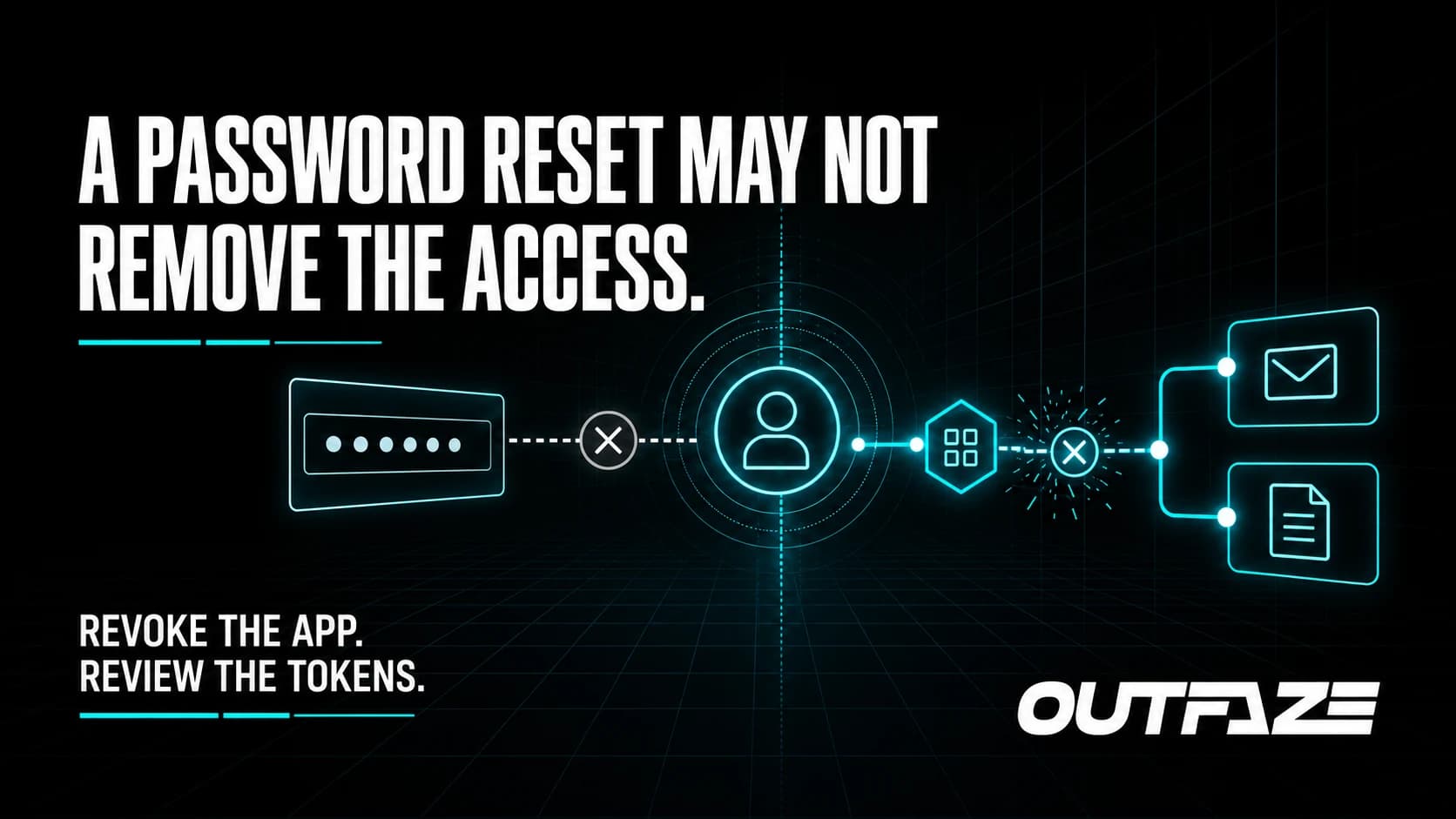
Why a Password Reset Does Not Stop OAuth Consent Phishing
A password reset can stop someone from signing in with a stolen password. It does not automatically remove every application that already has permission to access the account.
That is why OAuth consent phishing deserves attention. In a September 1, 2026 public service announcement, the FBI warned about attackers using legitimate authorization screens from providers such as Microsoft and Google to persuade victims to approve malicious applications.
The page may be genuine. The application asking for access is the problem.
How the attack works
OAuth allows a user to let one application access data held by another service without handing over the password. It powers many useful integrations, but the same permission flow can be abused.
A typical consent-phishing attempt looks like this:
- The victim receives a message from an attacker or a compromised contact.
- A link opens a legitimate cloud-provider authorization page.
- The requested application asks for permissions such as reading email, accessing files, or sending messages.
- The victim approves the request, believing the application is trusted or required for work.
- The attacker uses the granted token to access the approved data or functions.
Because the authentication page belongs to the real provider, looking for a misspelled login domain is not enough. The decision that matters is which application is requesting access and what permissions it wants.
Why a password reset may not solve it
The malicious application may hold an access or refresh token created through the consent process. Resetting the user's password does not necessarily revoke that authorization.
This creates a dangerous false sense of closure. A team may reset the password, see no more failed sign-ins, and assume access is gone while the approved application remains connected.
Effective containment may require removing the application's consent, revoking sessions and tokens, reviewing newly added authentication methods, and checking what the application accessed or changed.
What businesses should do
Limit who can approve applications
Review tenant settings for user consent. Where possible, require administrator approval for higher-risk permissions and allow only verified, necessary applications. Do not grant broad access simply because an integration is convenient.
Make the permission screen part of awareness training
Teach employees to slow down when an application requests mailbox, file, contact, or send-as permissions. A familiar Microsoft or Google page confirms the identity platform—not the intent of the application.
Employees should verify unexpected requests through a known channel and report them before selecting approve.
Monitor application consent and token use
Alert on new application registrations, unusual consent grants, high-risk permissions, unfamiliar service principals, and changes to authentication methods. Connect identity and cloud-app events with mailbox, file, and endpoint telemetry so the team can see the wider story.
Respond to the authorization, not only the password
If malicious consent is suspected:
- disable or remove the application and its service principal where appropriate;
- revoke affected sessions and tokens;
- review the user's authentication methods and account recovery details;
- inspect mailbox rules, sent messages, file access, sharing activity, and audit logs;
- determine whether other users approved the same application; and
- preserve evidence before making broad changes when an investigation may be required.
How Outfaze can help
Outfaze helps organizations reduce this risk through MFA as a Service, security-awareness training, and managed SOC monitoring. If access may already have occurred, our digital forensics and incident response support can help scope the activity and guide containment.
OAuth is not the problem. Unverified consent and weak visibility are. A strong process makes application access deliberate, limited, monitored, and removable.