
Fake IT Support Calls: How Passkey Lures Lead to Cloud Compromise
“IT needs to fix your passkey” sounds believable because passkeys, MFA, and single sign-on are real security tools. That familiarity is exactly what attackers are using.
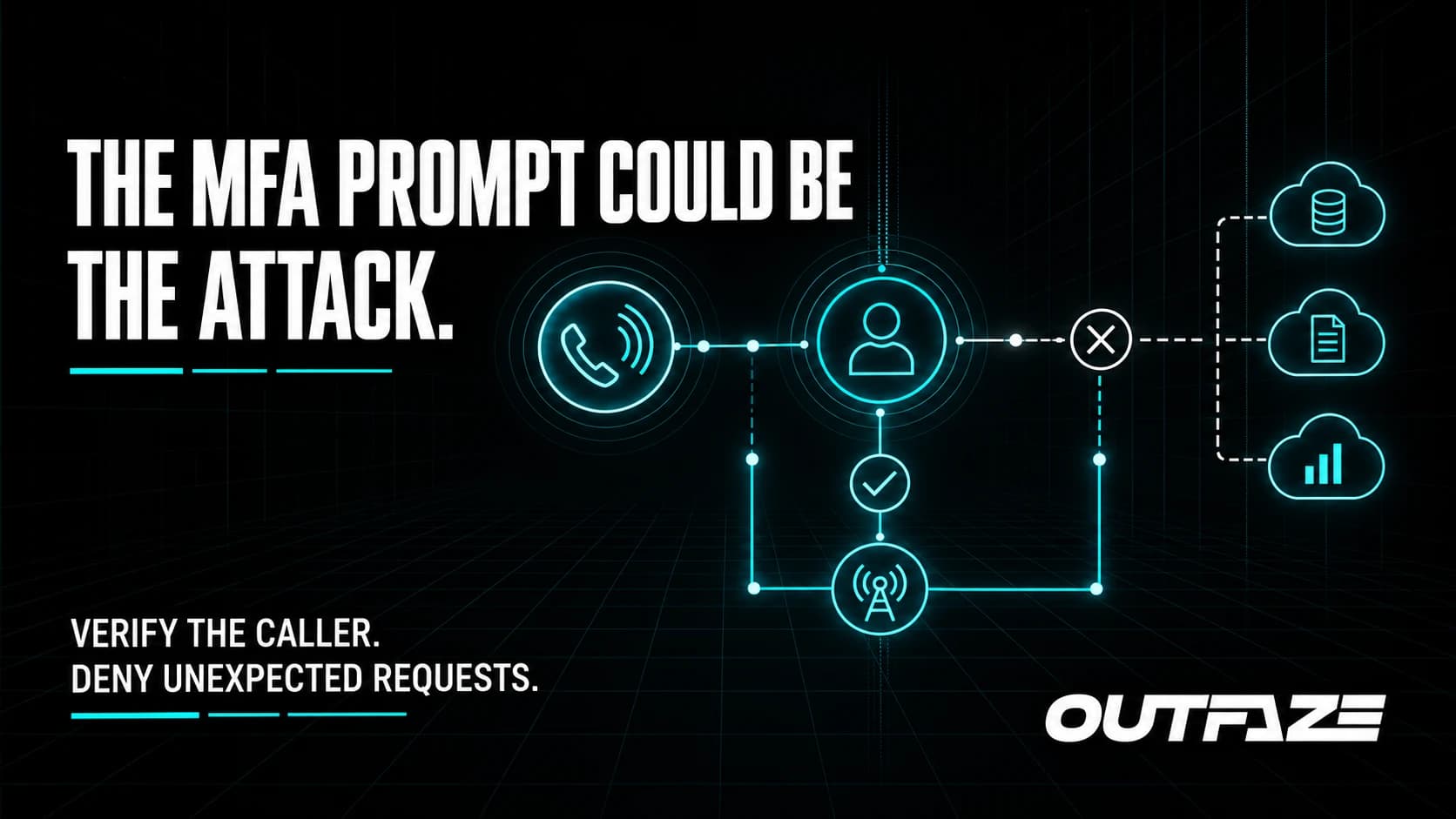
On September 9, 2026, Microsoft Security Research described active cloud intrusions that began with phone calls or text messages to employees' personal devices. Attackers impersonated helpdesk staff, created urgency around an authentication problem, and guided victims through steps that authorized access.
The important distinction is that MFA did not simply break. Victims were socially engineered into approving a sign-in, entering information into an adversary-in-the-middle page, or completing a device-code flow controlled by the attacker.
How the attack begins
Microsoft said it had observed this activity since May 2026. The attacker contacted a target outside the normal corporate support channel and used themes such as passkey enrolment, MFA troubleshooting, or SSO updates.
The conversation then moved the victim toward a fake sign-in page or a legitimate device-code authorization flow. If successful, the attacker gained a valid cloud session without needing to defeat the authentication system through a technical exploit.
Microsoft observed attackers adding authentication methods, signing in from unusual locations, using Microsoft Graph at high volume, and collecting data from Exchange Online, SharePoint, and OneDrive.
For a business, one successful call can therefore become an identity and cloud-data incident.
Give employees a way to verify support
Telling people to “be careful” is too vague. Publish a simple, specific helpdesk policy:
- IT will not unexpectedly call and ask for an MFA approval, passkey registration, password, or device code.
- Employees should end an unexpected support call and contact IT through the known service desk number or portal.
- Personal phone calls and text messages about work authentication should be reported.
- No employee will be punished for pausing a request to verify it.
Attackers create urgency because verification breaks the story. A trusted callback process gives employees permission to slow down.
Make identity controls harder to abuse
Passkeys and phishing-resistant MFA remain valuable. They should be paired with controls around enrolment, recovery, device registration, and risky sessions.
Review who can add authentication methods and how sensitive changes are verified. Apply conditional access based on device state, sign-in risk, location, and role. Privileged users should have stronger controls and separate administrative accounts.
Reduce the number of staff who can perform helpdesk resets, and log every authentication-method change. A reset or new method should trigger a notification through a channel the attacker does not control.
Monitor what happens after sign-in
Identity protection must continue after authentication. Useful signals include:
- a new authentication method followed by an unusual sign-in;
- device-code use that does not fit the user's role;
- unexpected consent grants or application registrations;
- high-volume Microsoft Graph activity;
- unusual downloads or searches in SharePoint and OneDrive;
- new inbox rules, forwarding, or suspicious email access; and
- activity from unfamiliar networks or devices.
Connect these events. A single successful sign-in may look ordinary; the sequence around it may clearly show compromise.
Respond to a suspected approval quickly
If an employee believes they followed a fake support request, do not stop at a password reset. Revoke active sessions and tokens, remove unauthorized authentication methods, review app consent, and inspect identity and cloud audit logs.
Determine what the session accessed, what it changed, and whether it was used to contact other employees or external partners. Preserve evidence and widen the investigation if privileged access or sensitive cloud data may be involved.
How Outfaze can help
Outfaze helps organizations improve identity controls with MFA as a Service, prepare employees through security-awareness training, and detect suspicious cloud activity through SOC as a Service and managed detection and response.
If an approval may already have happened, our digital forensics and incident response support can help revoke access, scope affected data, and determine the next containment steps.
Passkeys make authentication stronger. They do not make a convincing support call harmless. The technical control and the human verification process have to work together.