
When Remote Support Becomes the Attack Path: ScreenConnect and RMM Abuse
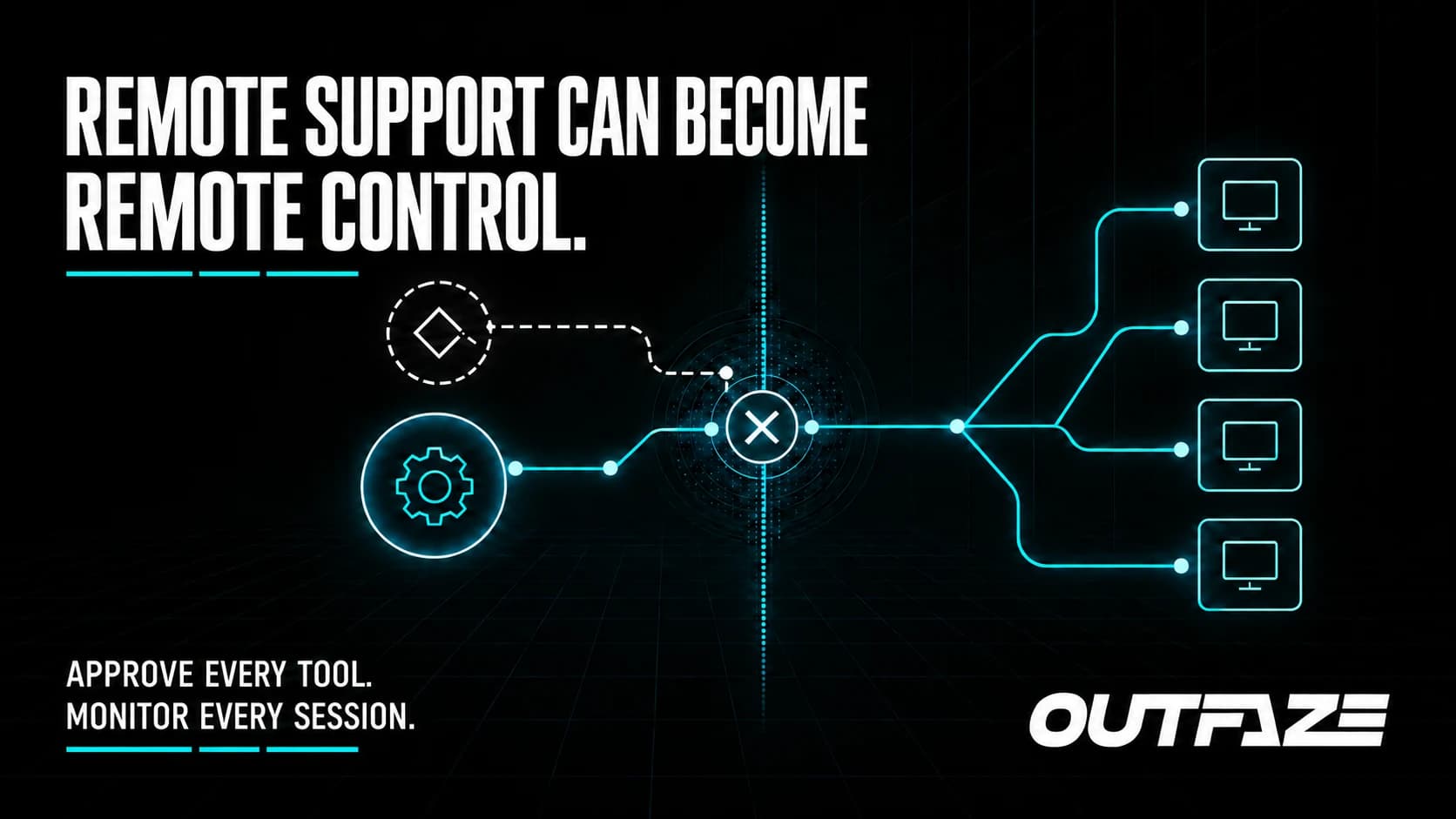
Remote monitoring and management software is trusted because IT teams need it to reach many devices quickly. That same reach becomes dangerous when a client is modified or the control channel is abused.
In September 2026, Huntress reported rogue ConnectWise ScreenConnect installations that launched scripts and spread activity to newly connected endpoints in a worm-like pattern. ConnectWise also published a bulletin for CVE-2026-84869, a critical client-side file-transfer authorization vulnerability affecting versions before 26.6.5.
The safest takeaway is straightforward: update the affected client components, remove unapproved remote-management software, and review the environment for evidence of activity—not just the presence of the vulnerability.
What defenders observed
Huntress described modified ScreenConnect clients spawning Windows Script Host and running Visual Basic scripts. As new endpoints connected, the scripts could propagate further through the trusted remote-management relationship.
This is why RMM tools are attractive to attackers. They already provide remote execution, file movement, elevated access, and broad device reach. Malicious activity can resemble legitimate administration unless teams have a baseline for approved tools, servers, operators, and scripts.
ConnectWise's advisory says CVE-2026-84869 affects the client side, not ScreenConnect servers. Cloud environments were automatically updated. For on-premises environments, ConnectWise advised upgrading to version 26.6.5 or later and reinstalling host or access agents so the updated client is present.
Huntress's incident observations and the ConnectWise vulnerability advisory are related defensive signals, but organizations should not assume that one published flaw explains every rogue installation. Investigation should follow the evidence in each environment.
What businesses should do
Inventory remote-management software
List every approved RMM product, server, relay, agent, version, administrator, and business owner. Include tools installed by an MSP, software vendor, or internal support team.
Then look for duplicates and unauthorized agents. More than one remote-support tool on a device may be legitimate, but it should never be unexplained.
Update ScreenConnect clients
Follow the current ConnectWise bulletin. On-premises operators should upgrade to 26.6.5 or later and complete the required agent reinstallation or update process. Verify the client version on endpoints; updating the server alone does not prove each client component changed.
ConnectWise also described disabling TransferFiles permissions as a temporary mitigation. Treat that as a short-term exposure reduction, not a replacement for the fixed version.
Monitor the management channel
Alert on unexpected RMM installations, new service creation, changes to server addresses, unusual script execution, and file transfers initiated by unfamiliar operators. Huntress highlighted suspicious script activity associated with ScreenConnect guest processes and persistence involving a WindowsServiceHost Run key.
Translate the published indicators into your own endpoint and SIEM tooling, then search historically across the full retention period available.
Treat suspicious agents as an incident
Deleting an unapproved agent may remove evidence without answering how it arrived or what it did. Isolate affected endpoints through the approved process, preserve relevant logs and files, identify the controlling server, review credentials used by the RMM service, and hunt across other managed devices.
If a trusted management system was used to reach multiple endpoints, scope the investigation to that potential reach.
How Outfaze can help
Outfaze helps organizations monitor this high-trust layer through managed detection and response, strengthen endpoints with EDR as a Service, and investigate suspicious access with digital forensics and incident response.
We can help establish an approved RMM inventory, detect unusual remote execution, validate updates, remove unapproved access safely, and determine whether the activity spread beyond one device.
Remote support should make the business easier to manage. It should never become an unmonitored route across the network.