
ASCII Smuggling in Phishing: When Email Looks Different to Security Tools
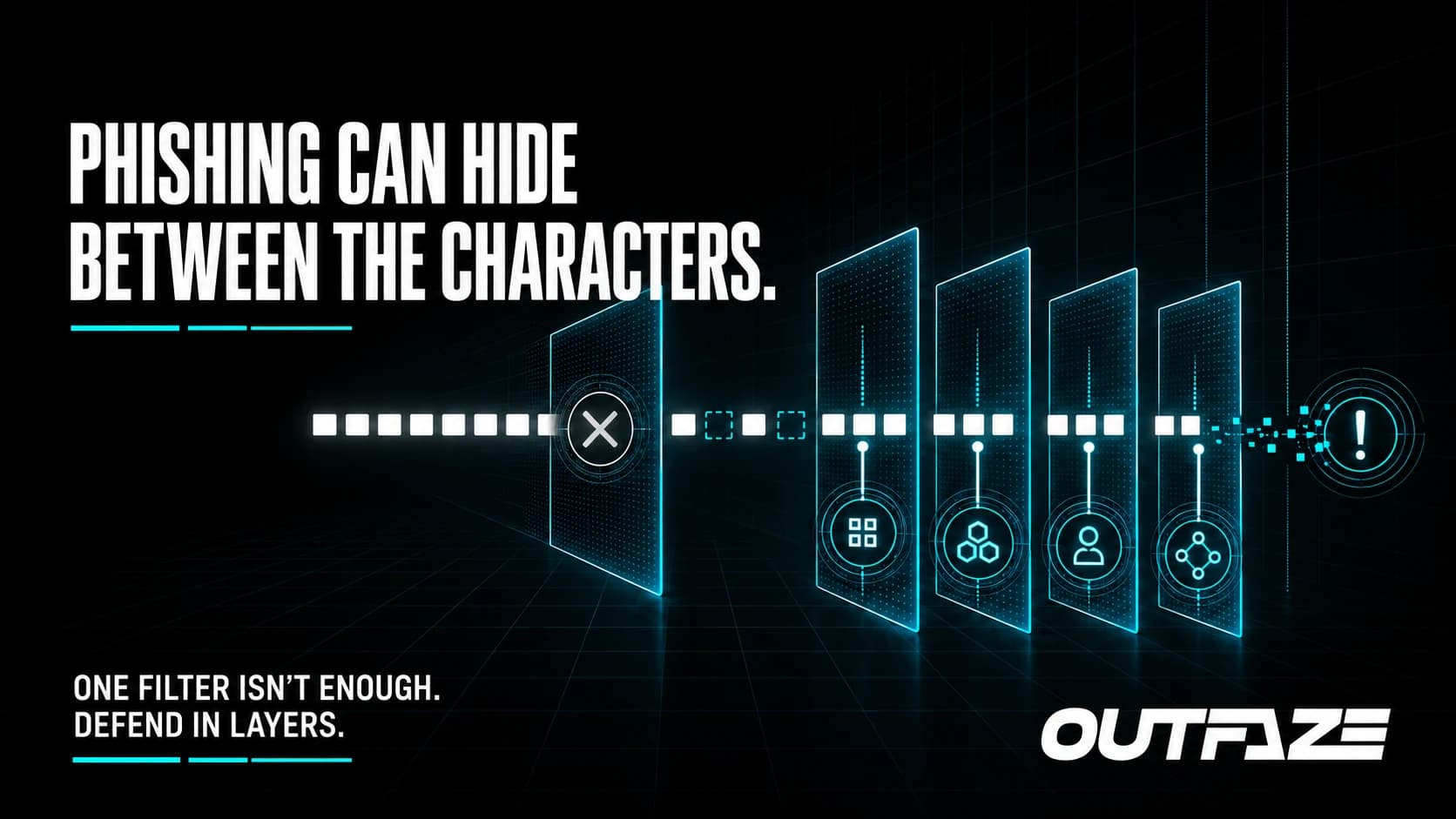
The email looks normal to the person reading it. Underneath, it may contain invisible characters that make the same message look different to a basic security rule.
That is the idea behind ASCII smuggling, a phishing-evasion technique Microsoft Security Research detailed on September 3, 2026. Attackers inserted invisible Unicode characters into words commonly found in financial phishing lures. A recipient would still see the expected word, while a filter relying on an exact text match could see something else.
For small and mid-sized businesses, the lesson is not that email security has stopped working. It is that no single keyword rule should be expected to stop a modern phishing campaign.
What ASCII smuggling changes
Microsoft observed attackers using characters from the Unicode Tags block, including invisible characters inserted inside words. These characters can interfere with literal matching, tokenization, and some text-analysis workflows without visibly changing the message for the recipient.
The campaign operated at high volume. Microsoft reported daily peaks in the millions of messages. Yet Microsoft Defender for Office 365 still identified more than 99% of the observed messages through other signals and detection layers.
That detail matters. ASCII smuggling may weaken one control, but it does not make an email invisible to every defence. Sender reputation, message structure, URLs, attachments, behaviour, identity signals, and post-delivery monitoring can still expose the attack.
Why smaller organizations should care
Many businesses build mail rules around visible words such as payment, invoice, password, or urgent. Those rules can be useful, but attackers know how to test and alter their messages until a simple control stops recognizing them.
The real risk appears when a business relies on one layer:
- a keyword block list without broader phishing protection;
- an employee spotting bad spelling or formatting;
- a secure email gateway without identity monitoring;
- or a mailbox alert without a clear response process.
A polished email with hidden characters can pass the visual test. If the message also uses a believable sender and a familiar business request, the recipient may have little reason to hesitate.
Practical steps that help
Normalize content before matching
Email-security and custom-analysis systems should normalize or remove invisible Unicode characters before applying text rules. Unexpected tag characters can also be treated as an anomaly worth investigating.
Use layered email protection
Combine content inspection with link analysis, attachment scanning, sender and domain reputation, authentication results, impersonation protection, and mailbox behaviour. A message that avoids one text rule should still encounter other controls.
Train people around intent
Employees do not need to understand Unicode code points. They do need a simple way to question unusual payment requests, credential prompts, file-sharing notices, and unexpected changes to normal business processes.
Training should reinforce verification through a known channel. If an email asks for a sensitive action, the recipient should confirm it using a trusted phone number, established workflow, or separate conversation—not the contact details supplied in the message.
Investigate beyond the inbox
When someone interacts with a suspected message, check more than the email itself. Review sign-ins, mailbox rules, consented applications, endpoint activity, and any affected business accounts. Removing one message does not establish that the incident is over.
How Outfaze can help
Outfaze helps businesses strengthen email security, run practical security-awareness training, and test real employee workflows with managed phishing campaigns.
We can also help tune detection and response so that an evasion technique does not have to be caught by one perfect rule. The goal is a layered system that can identify suspicious behaviour before a believable email becomes a business incident.
ASCII smuggling is a useful reminder: what the recipient sees and what a security tool processes may not be identical. Good defence accounts for both.